Recipe · Terminal · Portrait · CRT
Terminal Portrait
A portrait whose lit side becomes green code characters on a near-black terminal, a faint ghost of the photo behind, with scan lines and phosphor bloom.
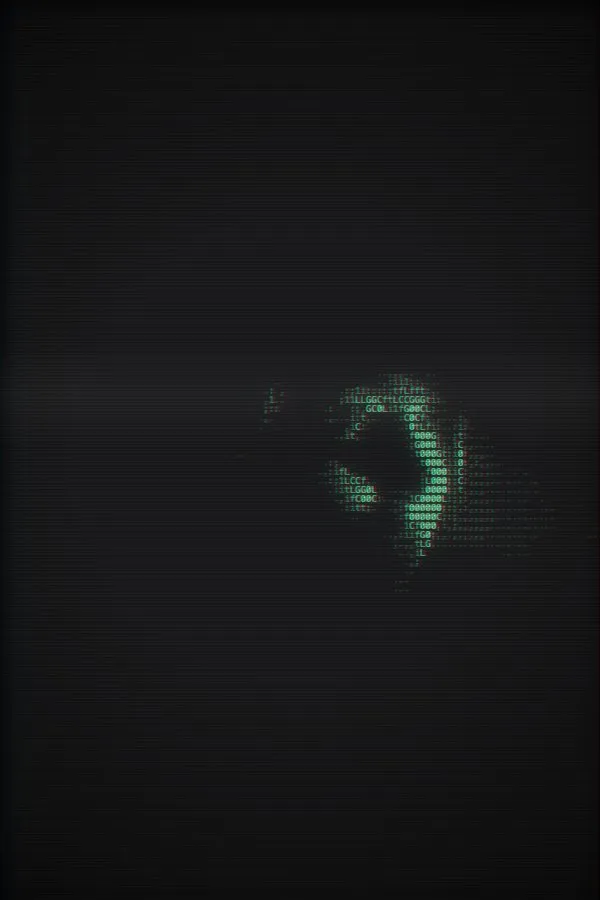
What's in it
- Source
- Photo — Blue Light
- Style
- Characters, Code ramp, 9px cells, 90% coverage
- Background
- Blurred source at 12%
- Adjust
- B&W grade, Contrast +30, #39ff88 tint at 75%
- Effects
- Vignette 50%, Scan Lines 35%, Chromatic 15%, Bloom 35%
Make it yours
- Open the recipe in the studio — every setting above is loaded.
- Drop in your own photo or video, or pick one from the library.
- Adjust the cell size, grade or effects, then export PNG, SVG, text, GIF or MP4.
Built on the Characters style.
More recipes
- Light BeamPortrait · Cinematic · Film
- NightglassNight · Pixel · Glow
- Red SunSurreal · Colorful · Film
- PICO-8 CloudsRetro · Pixel · CRT
- Neon SkylineNeon · Cyberpunk · Colorful
- Film BrailleFilm · Retro
- Matrix RainTerminal · Animated · Glitch
- Flow HexGlitch · Animated · Neon
- Chrome PrintHalftone · Monochrome · Retro
- Voxel GardenColorful · Pixel
- Disco AuroraColorful · Animated
- Mosaic Still LifeMosaic · Minimal
- Contour WavesMinimal · Animated · Monochrome