Image to ASCII art converter
Examples
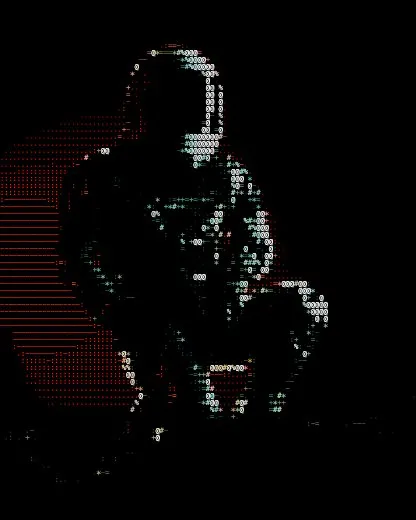
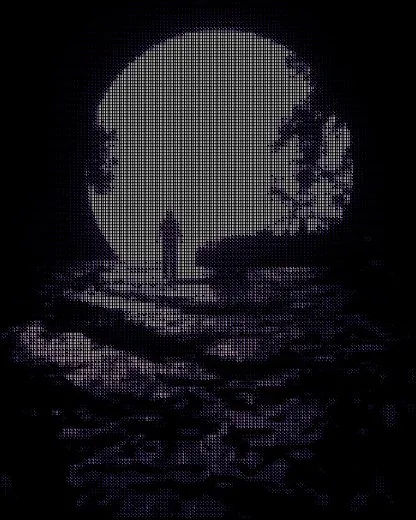
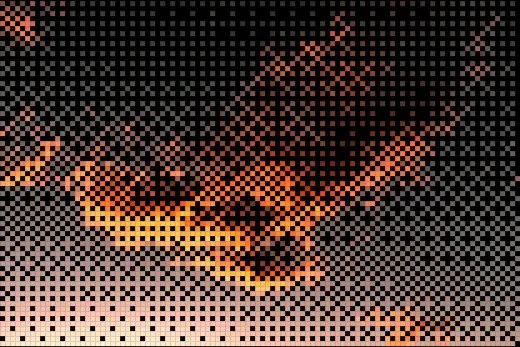
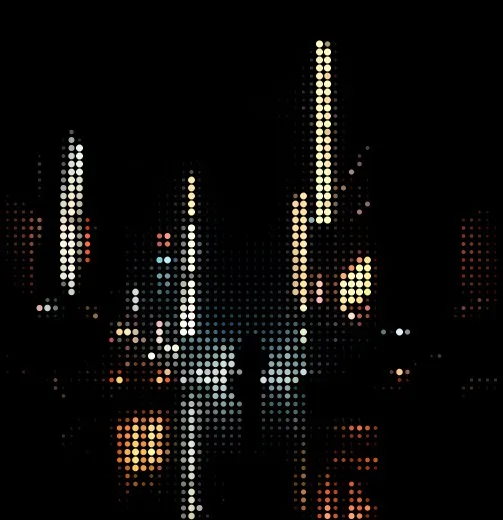
How to convert an image to ASCII art
- 01
Add your image
Drop a photo onto the studio or browse for one — JPG, PNG or WebP up to 40 MB. Large images are scaled to 1600px in your browser. No photo handy? Pick one from the built-in library.
- 02
Choose a style
Pick from 25 styles. For classic ASCII, choose Characters and a character set — Standard, Blocks, Binary, Code, or your own light-to-dark string.
- 03
Tune the look
Adjust cell size, contrast, brightness and the tone curve; add colour grades, masks, lights and effects. Every change previews instantly.
- 04
Export
Download PNG, JPEG, WebP, SVG and plain text at up to 3× resolution — or an animated GIF, MP4 or WebM if the look moves.
What you can do
- Plain-text export you can paste into a terminal, README, Discord or email
- SVG export: one vector shape per cell, straight from the same grid
- Custom character ramps for your own ASCII palette
- Tone curve, 9 stackable effects, colour grades and tint
- Masks to keep part of the photo untouched
- Nothing is uploaded — conversion runs entirely in your browser
Popular styles
- CharactersLuminance becomes a character, from sparse dots to dense @ signs.
- BrailleEight dots per character for four times the detail of plain ASCII.
- MixedA long ramp plus solid blocks in the brightest areas.
- Half BlocksTwo pixels per character using ▀ and ▄.
- DitherClassic 4×4 ordered dithering, one bit per cell.
- Pixel ArtBlocky pixels with a reduced 4-level-per-channel palette.
Questions
How do I turn a picture into ASCII art?
Open the studio, drop your image in, and it converts instantly. Choose the Characters style for classic ASCII text, set the cell size for detail, and export as plain text or an image.
Can I copy the ASCII art as text?
Yes. Export → Image → Plain text (.txt) gives you the character grid, one row per line. Character, braille and half-block styles all export as real text.
Is my photo uploaded anywhere?
No. Decoding, conversion and export all happen in your browser; the image never reaches a server.
What's the best photo for ASCII art?
High-contrast images with a clear subject — portraits against plain backgrounds, silhouettes, strong lighting. Raise Contrast and Edge Emphasis in Adjust for busy photos.