Video to ASCII art converter
Examples
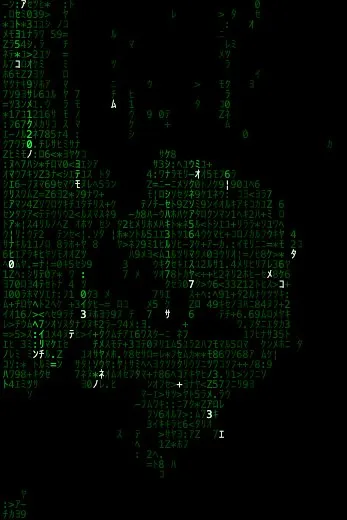

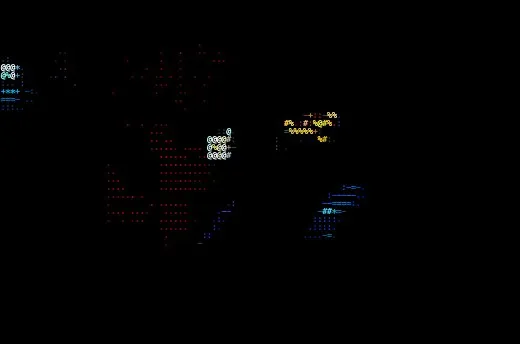
How to convert a video to ASCII art
- 01
Load a clip
Upload a video up to 50 MB and 1920×1080, or start with the built-in footage. Any format your browser can play works — MP4 and WebM everywhere, MOV in Safari.
- 02
Pick a style
Every style works on video. Characters and Half Blocks keep motion readable; Matrix adds its own falling streams on top.
- 03
Set the motion
Motion → Speed changes playback speed and every time-based effect with it. Add effects like scan lines, grain or glitch from 9 options.
- 04
Export the animation
Choose MP4, WebM or GIF, a resolution up to 1080p, 12–60 fps and up to 20 seconds. GIF is encoded in-app and always works; MP4 and WebM use your browser's recorder.
What you can do
- MP4 (H.264), WebM (VP9) and GIF export
- Frame rates from 12 to 60 fps, resolution up to 1920 px
- Real-time preview while you tune the look
- Crop and rotate the clip before converting
- Masks and lights apply to every frame
- Nothing is uploaded — your video stays in the browser tab
Popular styles
- CharactersLuminance becomes a character, from sparse dots to dense @ signs.
- Half BlocksTwo pixels per character using ▀ and ▄.
- MatrixFalling katakana streams that light up your image.
- BrailleEight dots per character for four times the detail of plain ASCII.
- DotsOne circle per cell, sized by brightness.
- Pixel ArtBlocky pixels with a reduced 4-level-per-channel palette.
Questions
How do I convert a video to ASCII art?
Open the studio with the Video source, upload your clip, pick a style and press Export → Animation. Choose MP4, WebM or GIF and the length you want.
Can I make an ASCII art GIF?
Yes. GIF export is built into glyf, so it works in every browser. Keep clips short and resolution moderate for small files.
Why is MP4 or WebM export disabled?
Video recording uses your browser's MediaRecorder, and codec support varies. Unsupported formats are shown as disabled; GIF always works.
Is there a length limit?
Uploads can be up to 50 MB and 1920×1080. Exports can be up to 20 seconds and loop seamlessly.