Free ASCII art generator for photos & video Every pixel becomes a character.
Turn photos, video, shaders and gradients into ASCII art — classic characters, braille, dither, pixel art and 21 more styles. Grade, light and animate it, then export PNG, SVG, plain text, GIF or MP4. Nothing is uploaded: it all runs in your browser.
- 25 ASCII art styles
- 11 effects
- Photo, video, shader, gradient
- PNG · SVG · TXT · MP4
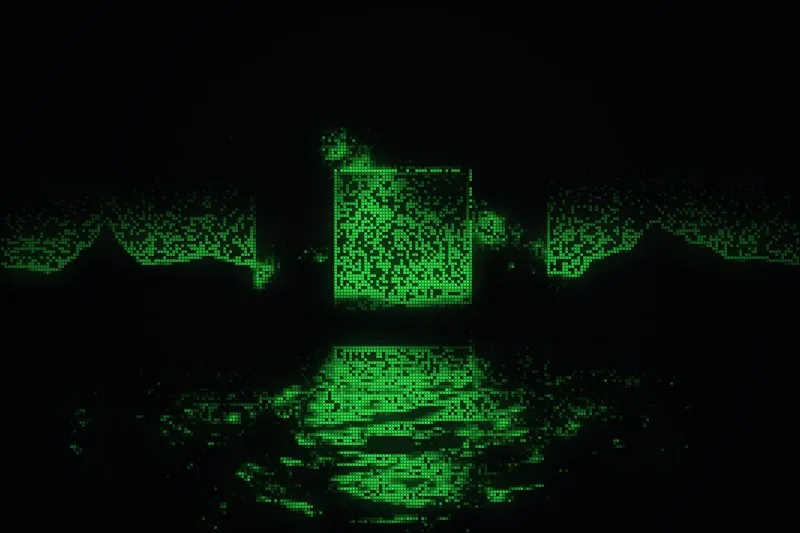
Background: a glyf export — Characters style, MP4
Drag to see the photo turn into glyph art
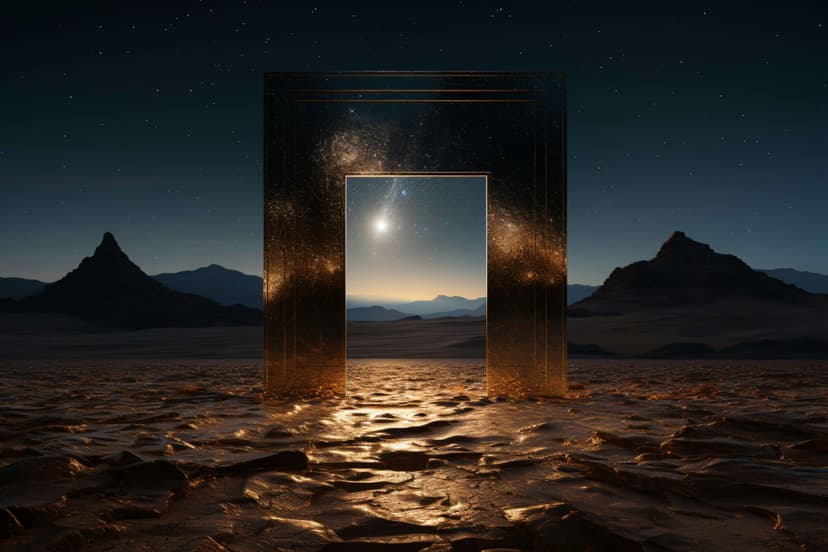
Same photo, same framing — on the left as it was uploaded, on the right as glyf draws it. Pick a look to compare.
How a photo becomes ASCII art
The renderer is a straight line. Each stage is inspectable in the studio, and every export comes from the same place — so text, vector and pixels never disagree.
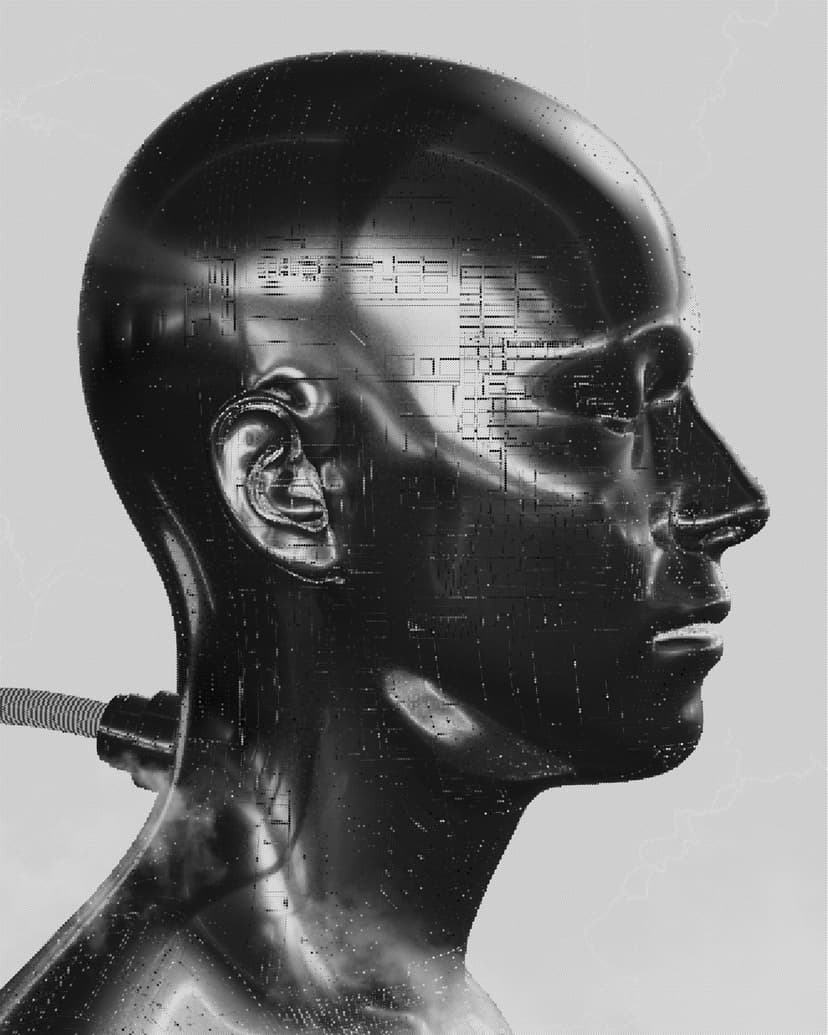
Source
Arrive as pixels
A photo, a video frame, a shader or a gradient. Whatever you start from, it arrives as pixels.
01
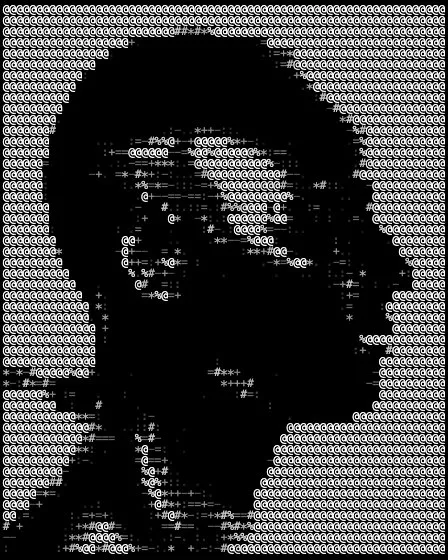
Grade the source
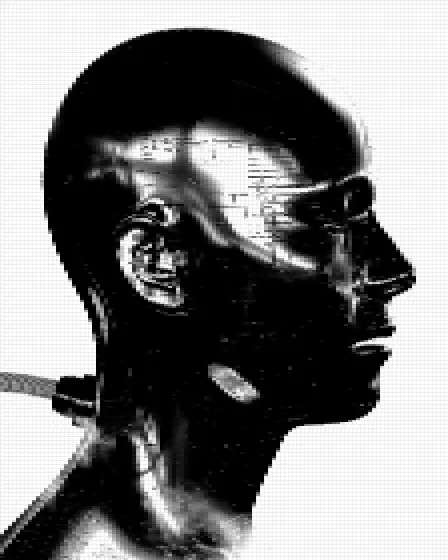
Brightness, contrast, edge emphasis and a tone curve run before anything is converted, so the grid has real contrast to work with.
02
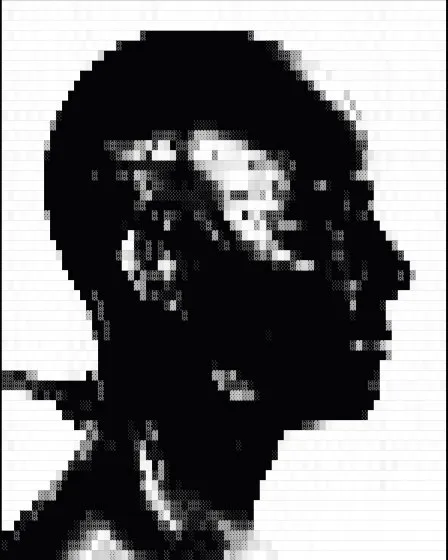
Build the cell grid
Luminance becomes ink, ink picks a glyph from the ramp. Cell size sets resolution; lights and masks act here, on the grid itself.
03
Project it anywhere
The same grid draws to canvas, serializes to plain text, or emits one SVG element per cell — three views of one data structure.
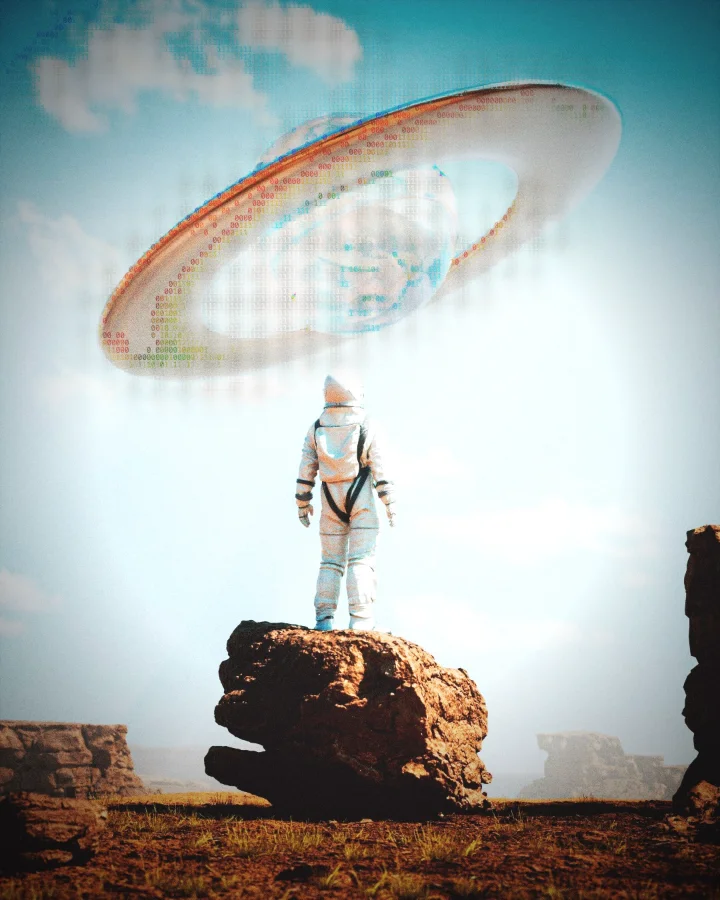
25 ASCII art styles that share one grid
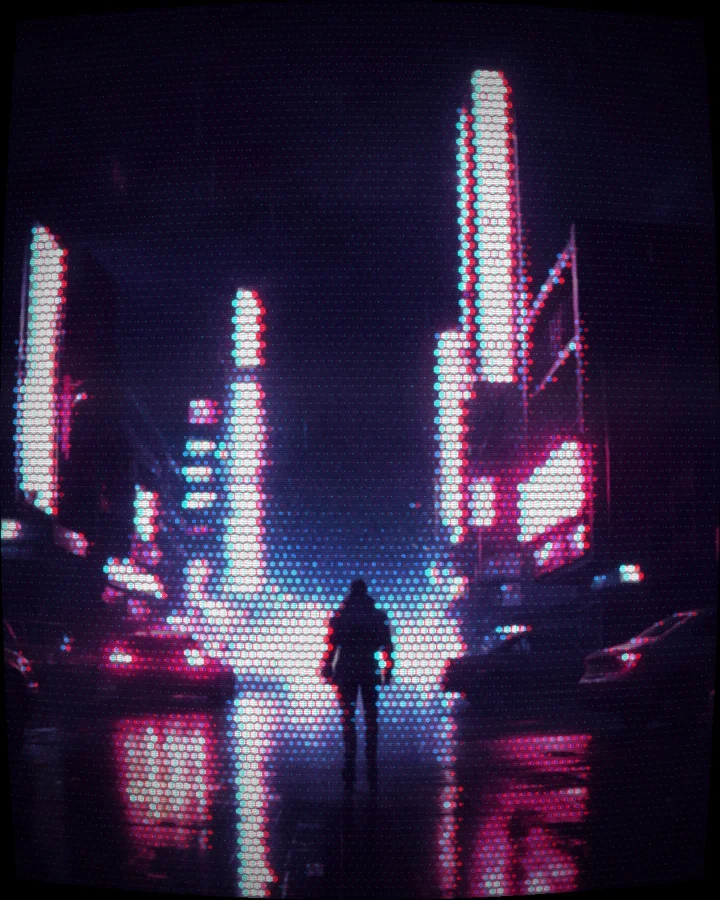
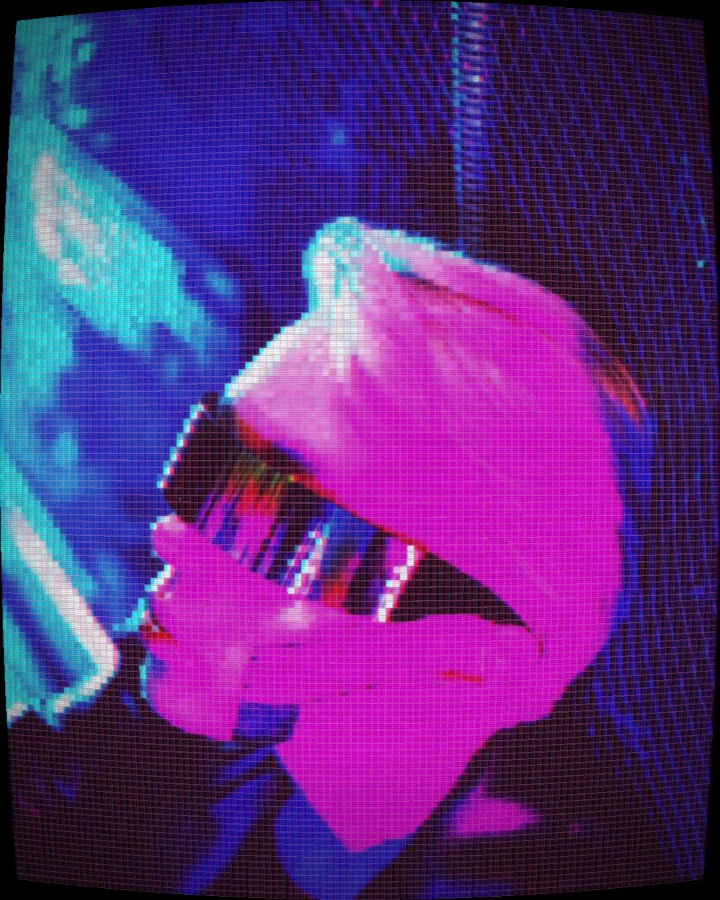
Switching styles keeps your framing, grading, mask and lights — only the marks change. Every tile here was drawn by glyf's engine, in the looks our Instagram feed posts.
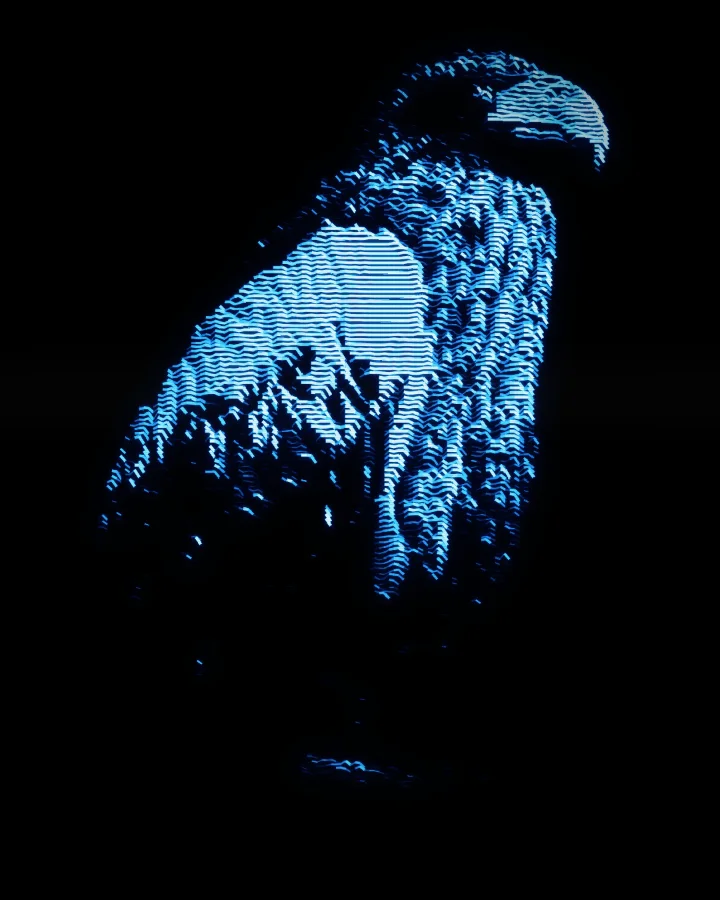
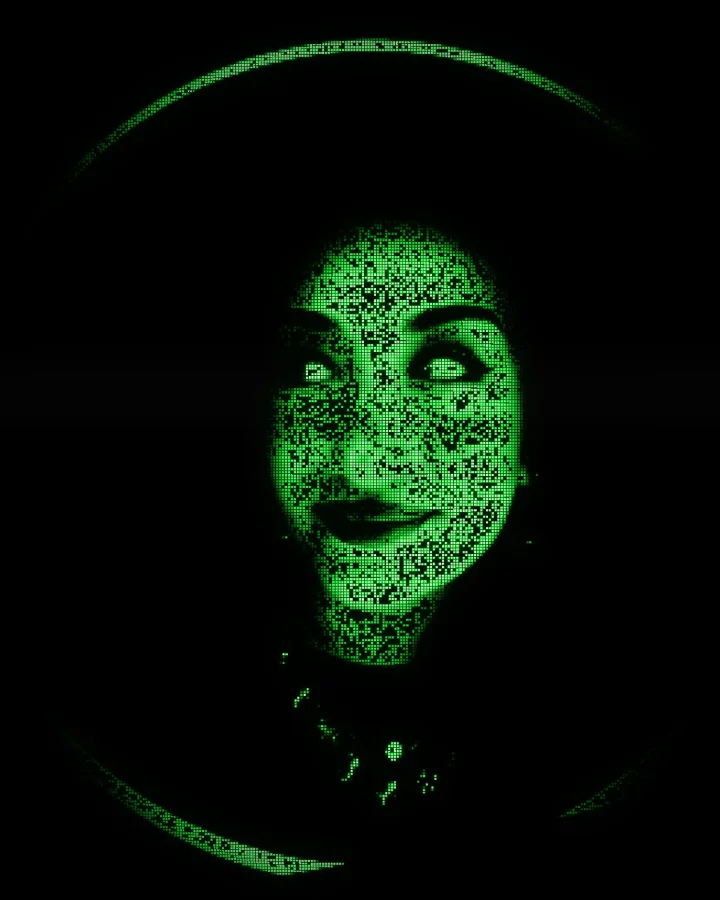
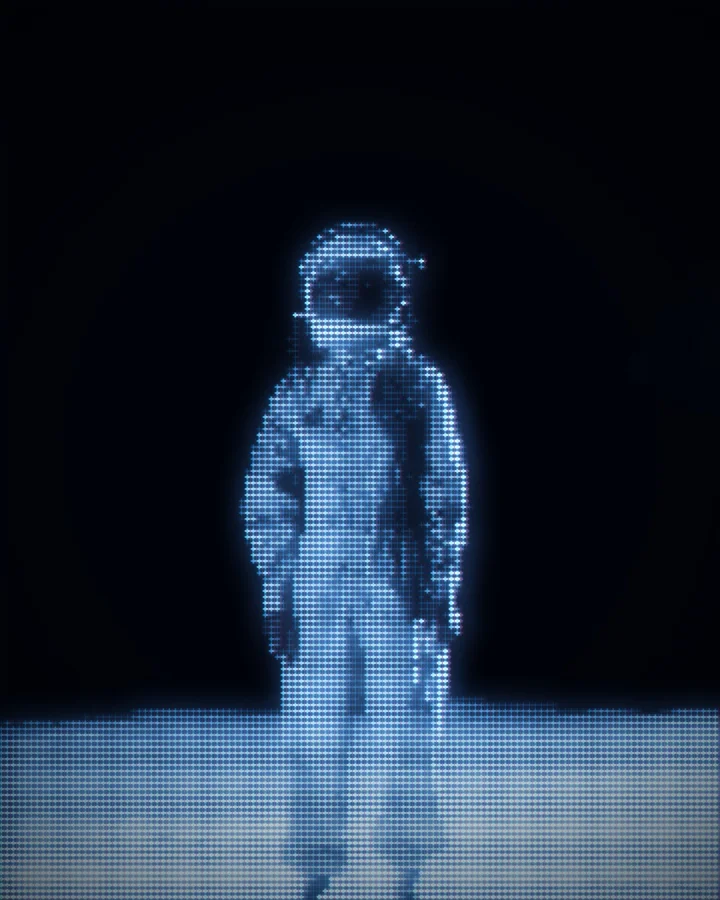
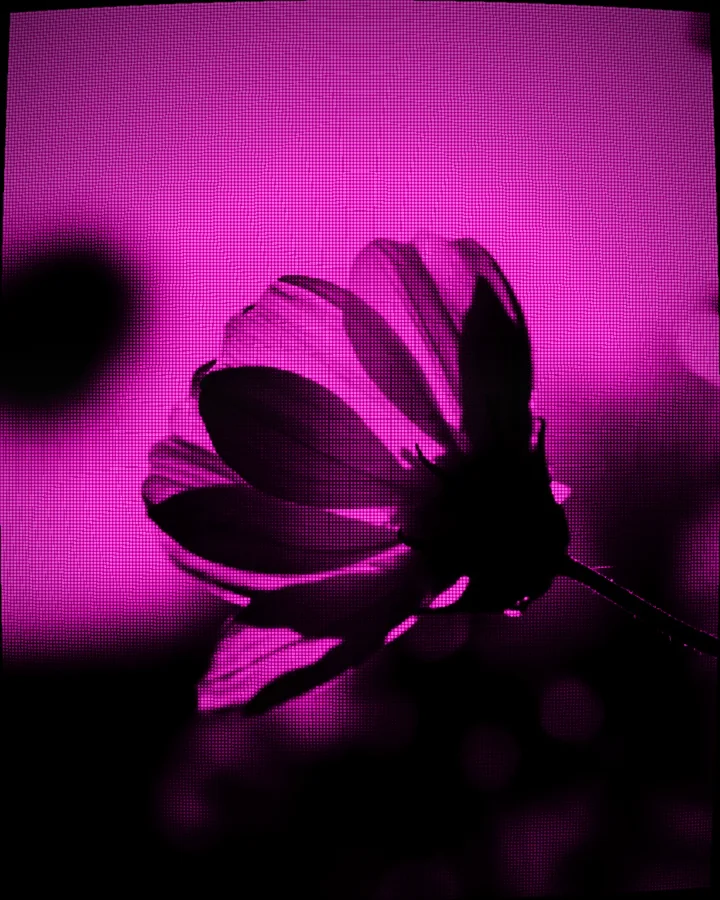
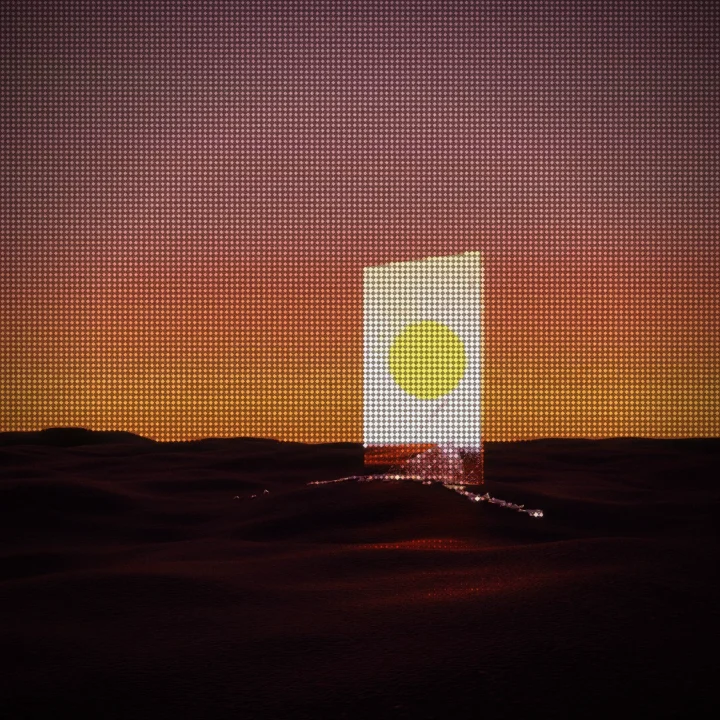
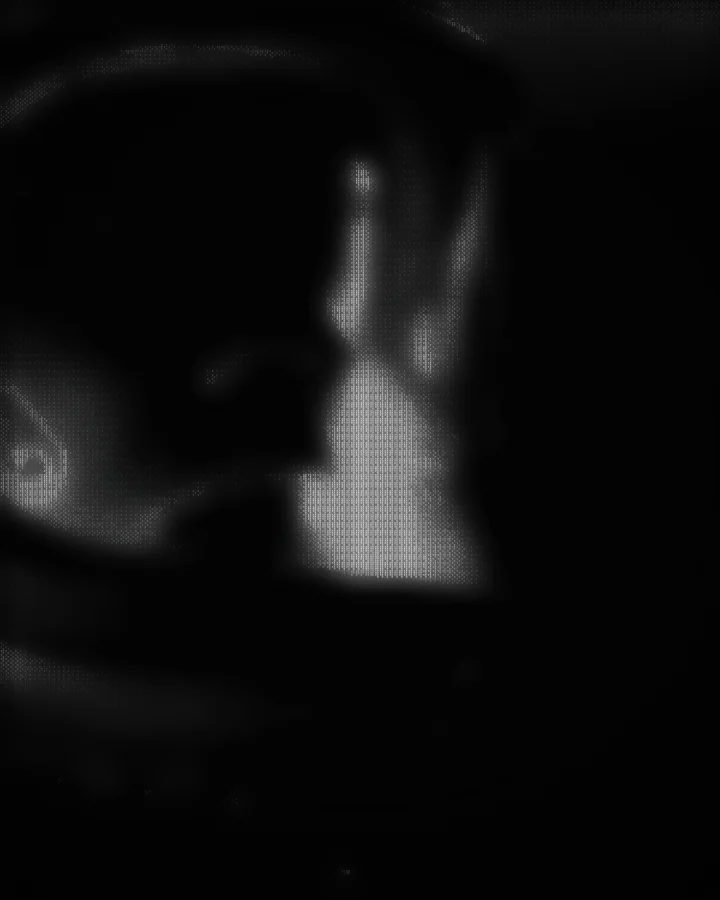
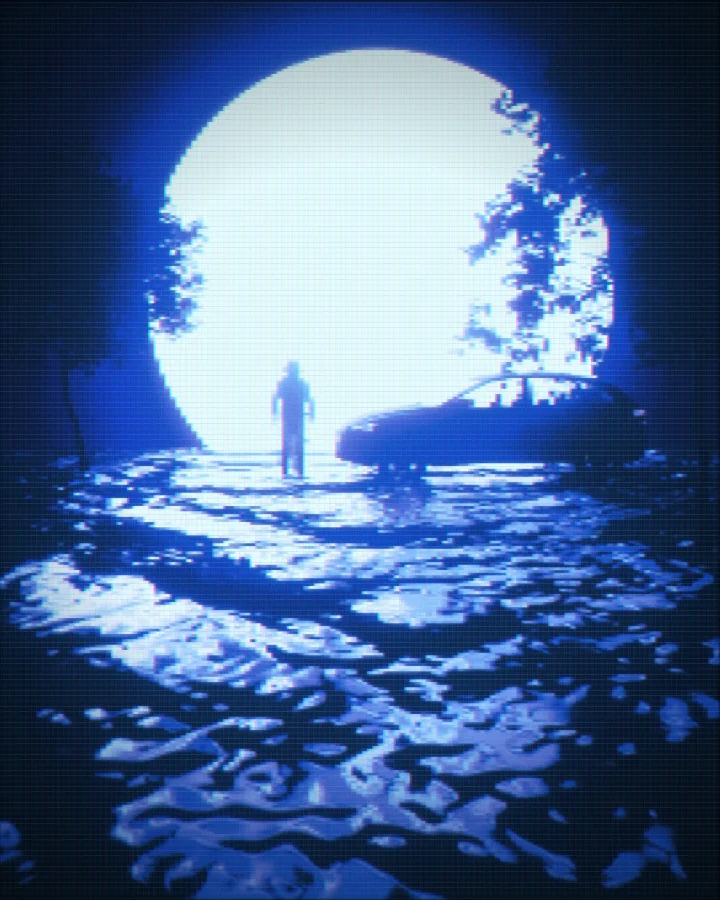
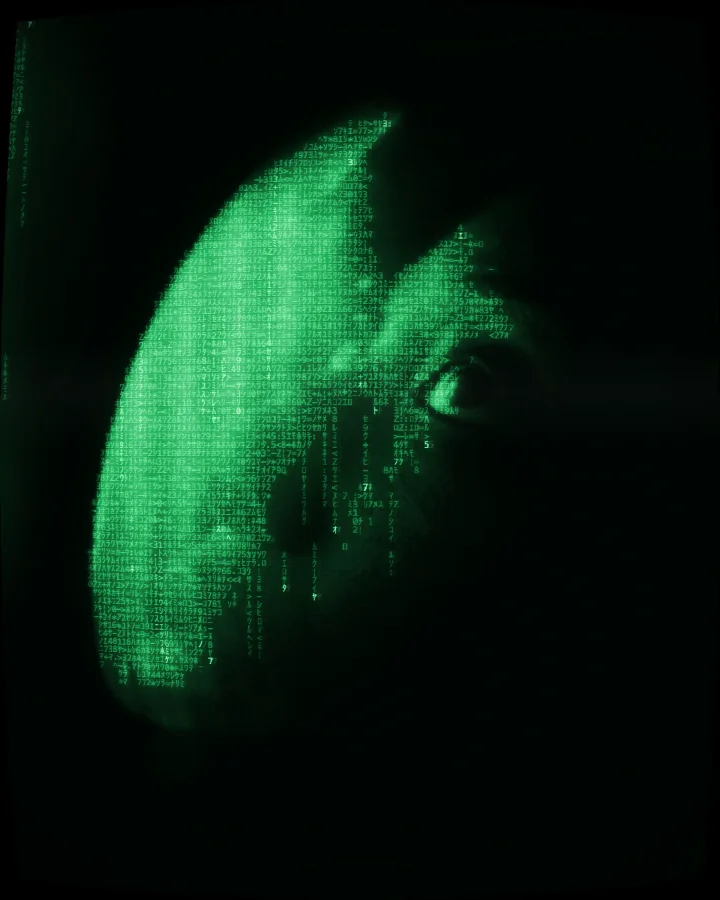
ASCII art effects and animation, on one clock
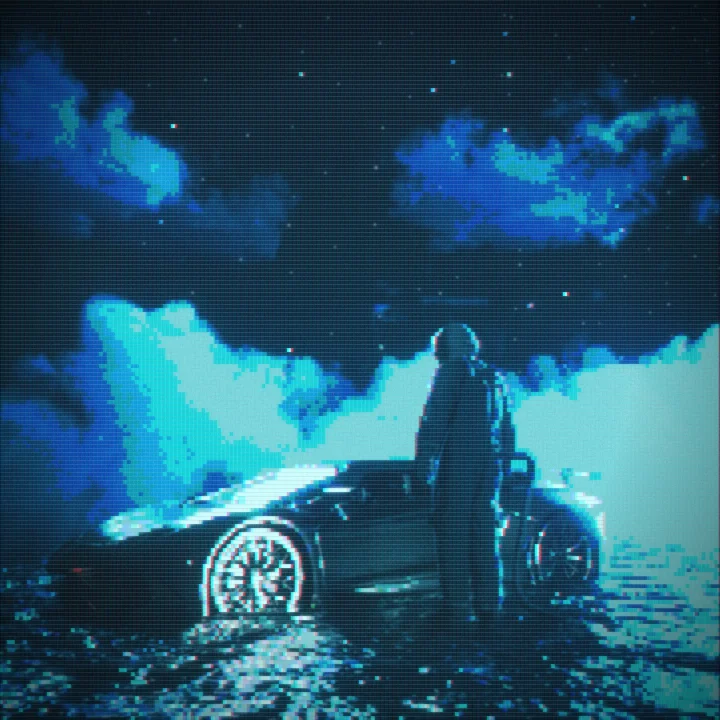
Nine stackable effects, five animation styles and a global speed that scales all of them together. This is the studio's effect stack running live — toggle any of them.
Export ASCII art as PNG, SVG, text or video
Images keep every glow and grain; text and SVG are serialized from the same cell grid the canvas draws, so what you copy is exactly what you saw. Everything is encoded locally.
PNG · JPEG · WebP
1×, 2× or 3× the document size, effects and all
SVG
one element per cell, straight from the grid
Plain text
the character grid, one row per line
MP4 · WebM · GIF
12–60 fps, GIF encoded in-app
Make ASCII art from a photo in 4 steps
No install, no account. Everything below happens in your browser tab.
- 01
Add your image
Drop a photo onto the studio or browse for one — JPG, PNG or WebP up to 40 MB. Large images are scaled to 1600px in your browser. No photo handy? Pick one from the built-in library.
- 02
Choose a style
Pick from 25 styles. For classic ASCII, choose Characters and a character set — Standard, Blocks, Binary, Code, or your own light-to-dark string.
- 03
Tune the look
Adjust cell size, contrast, brightness and the tone curve; add colour grades, masks, lights and effects. Every change previews instantly.
- 04
Export
Download PNG, JPEG, WebP, SVG and plain text at up to 3× resolution — or an animated GIF, MP4 or WebM if the look moves.
Read the full guide → · Working from video? Convert a video to ASCII art →
ASCII art generator FAQ
Drop an image in. Leave with a PNG, an SVG or 400 lines of text.
The studio opens on a sample image, so there is nothing to upload before you start.