Character style
Classic ASCII art from any photo
Luminance becomes a character, from sparse dots to dense @ signs.
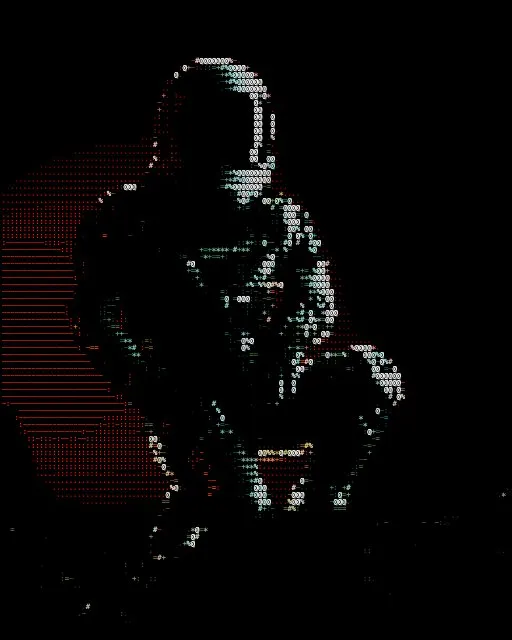
From a photo
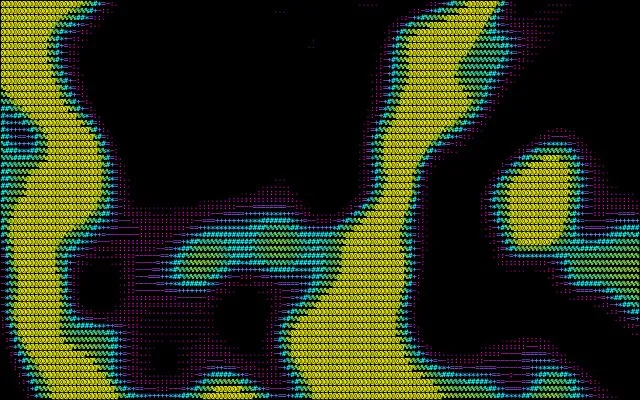
From a shader
How the Characters style works
The original text-art look. glyf samples the image once per cell, turns brightness into ink, and picks the character from a light-to-dark ramp — space, dot, colon, up to %, # and @. Each character keeps the colour of the pixels under it, and the result copies out as real plain text.
Best for
Portraits, logos and high-contrast photos you want to paste into a terminal, README or chat.
Go deeper: How to make ASCII art from a photo →
Tips
- Switch the character set to Blocks (░▒▓█) for a solid, shaded look, or Code for a denser ramp.
- Write your own ramp under Character Set → Custom — any light-to-dark string works.
- Raise Contrast and Edge Emphasis in Adjust so outlines survive the conversion.
Export
PNG, JPEG, WebP and SVG, plus plain text you can copy and paste. Animated looks export as GIF, MP4 or WebM.
More character styles
See all 25 styles →