The formats at a glance
| Format | Keeps | Best for |
|---|---|---|
| TXT | The characters, one row per line | READMEs, terminals, Discord, email |
| SVG | One vector shape per cell, plus the background | Print, plotters, laser cutters, infinite scaling |
| PNG / WebP | Everything, including effects and transparency | Social posts, websites, wallpapers |
| JPEG | Everything, flattened onto black | Smallest still files |
| GIF | Animation, up to 256 colours per frame | Chat, forums, anywhere video won't autoplay |
| MP4 / WebM | Animation in full colour | Social video, website backgrounds |
Plain text (.txt)
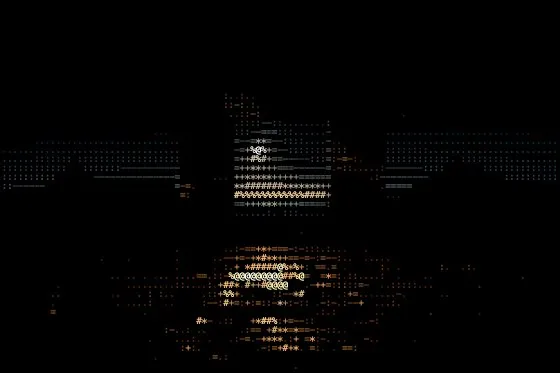
The text export writes each row of the grid as a line of characters, with trailing spaces trimmed. It makes most sense for the character styles — Characters, Braille, Mixed and Hex Dump — where the characters are the picture. Colour isn't kept, and the text needs a monospace font to line up, so paste it into a code block.
SVG (vector)
SVG writes one element per cell — a character, a circle, a line — straight from the grid, so it scales to any size without blurring. A solid-black background becomes a rectangle; a blurred or original-photo background is embedded as an image. Post-processing effects and the mask are raster-only and are left out. File size grows with the number of cells, so larger cells mean lighter files.
PNG, JPEG and WebP
Raster exports capture exactly what the canvas shows, effects included, at 1×, 2× or 3× the document size. PNG keeps a transparent background when Background is set to None; JPEG is flattened onto black; WebP is offered when your browser can encode it.
GIF, MP4 and WebM
Animated looks — video sources, shaders, animated gradients, the Matrix and Disco styles, motion effects and the time-based effects — export under Export → Animation, at 12–60 fps for up to 20 seconds.
GIF is encoded by glyf itself, so it works in every browser, but it's capped at 50 fps and each frame is limited to 256 colours. MP4 and WebM use your browser's built-in recorder: full colour and much smaller files, but formats your browser can't record are shown as unavailable. Animation exports are flattened onto black.