The problem: too few tones
Reduce a photo to a handful of colours and smooth gradients collapse into flat bands — the sky becomes stripes, a face becomes patches. This is posterisation. It happens whenever the output can't show enough levels: 1-bit screens, e-ink, limited-palette GIFs, old consoles, print, and every character-based format.
The idea: mix what you have
Dithering places the available colours in patterns whose density matches the tone you want: a 50% grey becomes a checkerboard of black and white, 25% becomes one white pixel in four. From a normal viewing distance the eye averages the pattern back into a tone. The cost is a little texture and fine detail; the gain is gradients that survive.
Ordered dithering (Bayer)
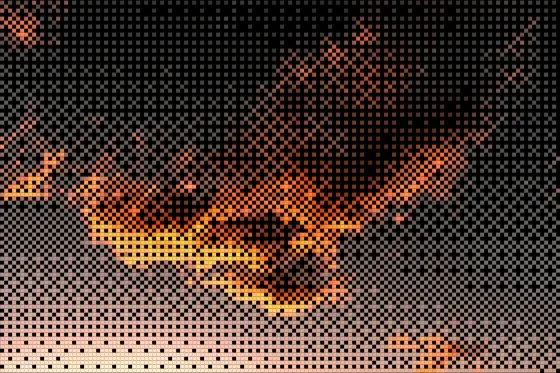
Ordered dithering compares every pixel with a fixed threshold from a small repeating matrix. The classic is the 4×4 Bayer matrix: sixteen thresholds arranged so that, as the tone rises, pixels switch on in an evenly spread order. The result is the cross-hatched texture of early computer graphics.
Because each pixel depends only on its own value and position, ordered dithering is fast, predictable and stable in animation — nothing shimmers between frames. glyf's Dither style uses a 4×4 Bayer matrix, and its Braille style uses a small ordered threshold to decide which of each character's eight dots to raise.
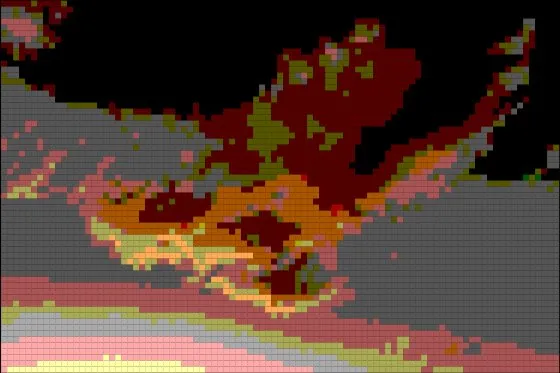
Error diffusion (Floyd–Steinberg, Atkinson)
Error diffusion works pixel by pixel, rounding each to the nearest available colour and pushing the rounding error onto the neighbours that haven't been processed yet. Floyd–Steinberg spreads all of the error; Atkinson (used on the original Macintosh) spreads only part of it, for higher contrast. The result looks organic rather than patterned and keeps fine detail well — but because every pixel depends on the ones before it, small changes ripple outward, so it tends to shimmer in animation.
Halftone: dithering's print cousin
Printing presses can't lay down grey ink, so halftone screens vary the size of dots on a fixed grid instead of switching fixed-size pixels on and off. Newspapers and comics are halftoned. In glyf, the Halftone effect puts a dot screen over any look, and the Dots style builds the whole image from size-varying circles.
Which one should you use?
- Animation, pixel-art or retro-computer looks: ordered dithering — stable and deliberately patterned.
- Still photos where detail matters: error diffusion looks most natural.
- A print or comic feel: halftone.
- Text output: braille — ordered dots, and it pastes as real characters.
Dithering in glyf
Choose the Dither style, then set Cell Size to 4–6 px for the classic look. Apply the B&W grade for true 1-bit output, or keep colours for a tinted dither. Lowering Coverage shrinks each pixel, opening a grid between them like an LED panel.