Effect
Pixelate effect
Downsample the finished frame into big square blocks.
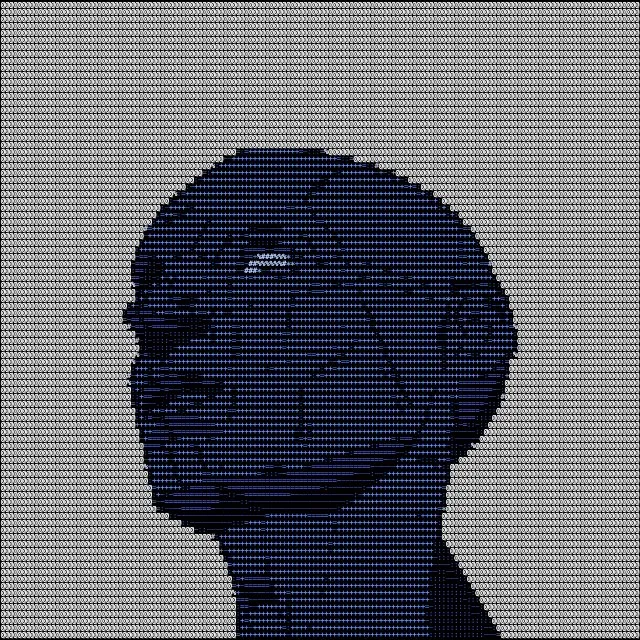
Without
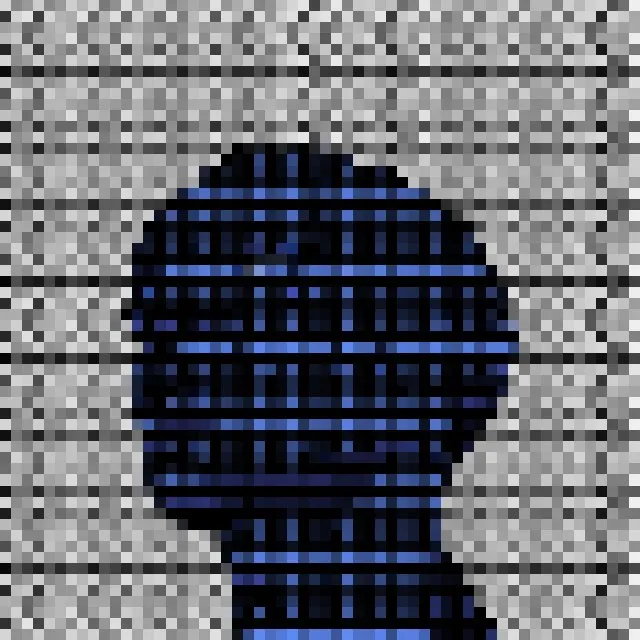
With Pixelate
How it works
Pixelate shrinks the finished frame to a coarse grid of blocks — from 2 to about 24 pixels each — and scales it back up without smoothing, so everything, glyphs included, becomes hard-edged squares.
Effects apply to the finished frame, so Pixelate works with every style, and the Intensity slider sets how strong it is. It appears in PNG, JPEG, WebP, GIF and video exports; text and SVG exports contain the grid only.
Tips
- Low values soften a busy style; high values abstract it.
- Try it over Characters for a two-level mosaic.
- For true pixel art, the Pixel Art style gives more control.
More effects
- VignetteDarken the corners to pull the eye to the centre.
- Scan LinesHorizontal lines and a rolling bright band, like an old monitor.
- ChromaticSplit the image into offset red and cyan copies.
- BloomMake bright glyphs glow into the dark around them.
- Film GrainMoving monochrome noise, like photographic film.
- GlitchDisplaced slices and colour bars, like a corrupted signal.
- HalftoneA newspaper dot screen over your image.
- Film DustSpecks, hairs and scratches, like projected film.